By Ink Color
Use this page when you already know which ink channel is weak, missing, or printing the wrong tone. A targeted color sheet is the fastest way to test one channel at a time without guessing.
Blues, teals, skies, and cool tones look weak, patchy, or missing.
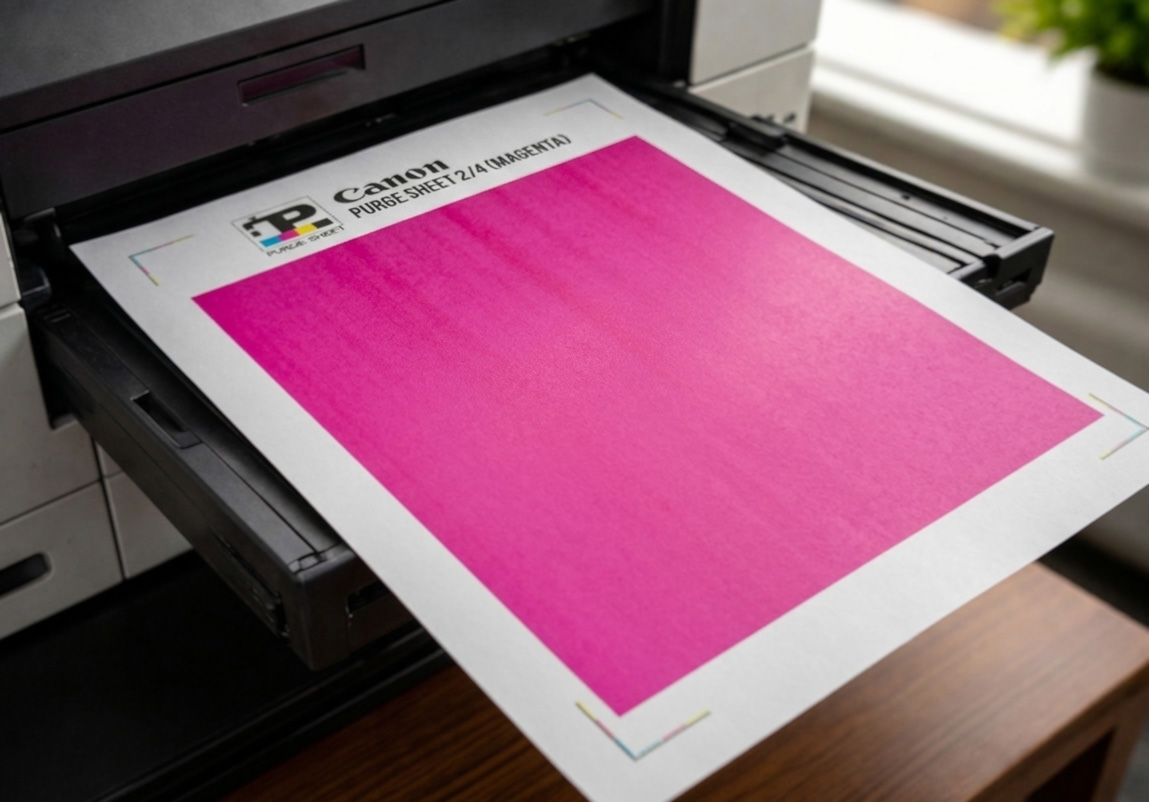
Reds, pinks, purples, and skin tones lose warmth or shift green / yellow.
Warm colors fade, greens turn blue, or highlights look cold and flat.
Text looks gray, lines look weak, or dense black areas look washed out.
Start with the guided purge page instead of guessing.
Choose a sheet
Each linked card below opens a direct color page, no registration and it’s free for your personal use.



How to decide
| What looks wrong | Best page to start with |
|---|---|
| Blues, teals, sky tones, or cool images look weak or broken | Cyan |
| Reds, pinks, purples, or skin tones lose warmth | Magenta |
| Warm colors fade, greens shift blue, or yellow disappears | Yellow |
| Text is weak, black blocks are washed out, or black looks gray | Black |
| More than one color looks wrong or you are not fully sure which channel failed | Guided purge print |
Use targeted sheets in this order
- Print the color that looks weak or missing.
- Check whether the fill becomes more even and solid.
- If needed, run the printer’s built-in cleaning and test again.
- If several colors are off, stop guessing and use the guided purge print.

Inkjet vs laser:
These color sheets are most useful for inkjet printers, where a targeted full page can help exercise one channel and make a weak color obvious. On laser printers, a full-page cyan, magenta, yellow, or black print works more like a diagnostic page than a true purge.
- Helpful for spotting weak color, streaks, repeating marks, haze, or contamination.
- Not the same as clearing inkjet nozzles or flushing wet ink through a printhead.
- Full-coverage pages use a lot of ink or toner, so avoid repeating them blindly.
Direct links: Cyan · Magenta · Yellow · Black · Guided purge print
Purge to Fix
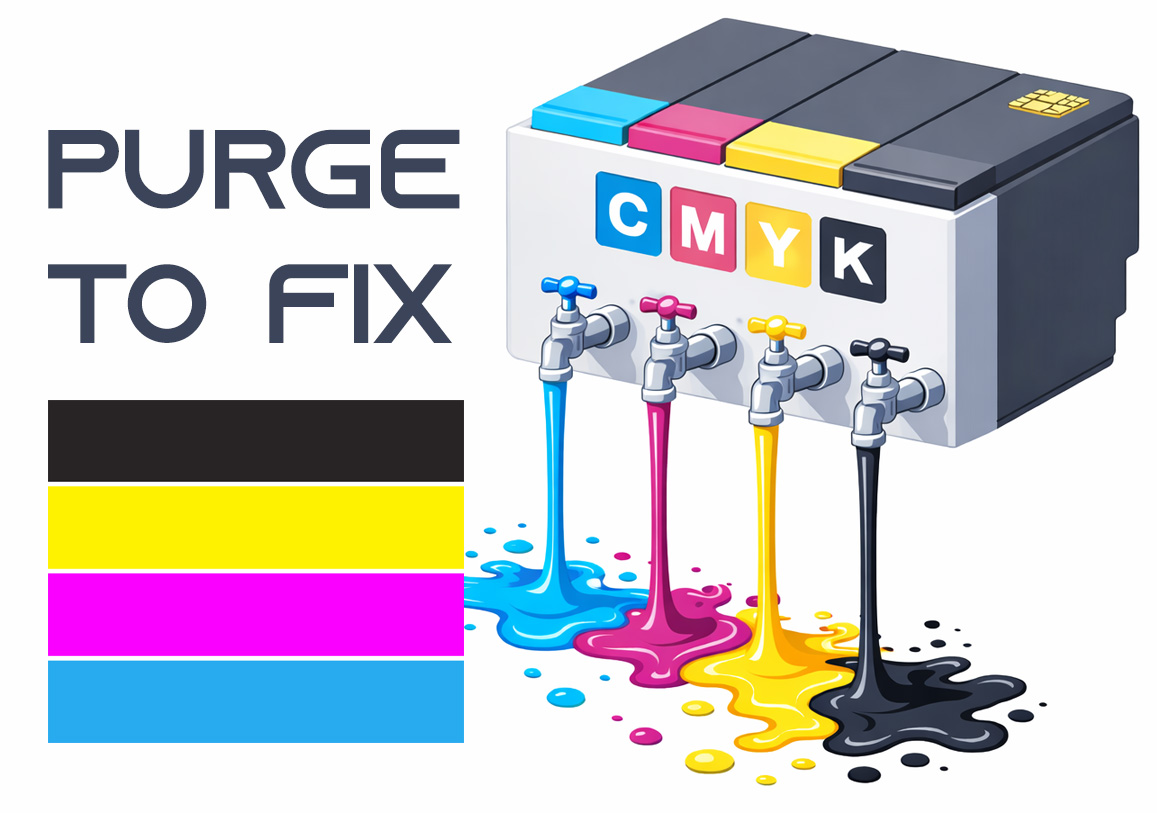
Printing a purge sheet can restore print quality and eliminate the need for a professional service visit. This DIY maintenance routine is highly effective for clearing clogged nozzles and dried ink buildup that causes horizontal banding or missing colors. While not a 100% fix for mechanical failure, it is the best first step for ink flow issues.